So you are planning to build a new website? And you have chosen WordPress as your website platform! Congrats, you have made a wise decision because of its versatility and ease of use!!
WordPress powers 25% of the internet, and it’s easy to see why so many people choose it for their websites. But here’s something a lot of people don’t realize: there are actually two versions of WordPress, and they work quite differently. WordPress.com and WordPress.org may share the same name, but the choice between them can make a big difference for your business. If you’re working with a web app development company or building on your own, knowing which one suits your needs is the first step to getting it right.
Key Takeaways:
We are going to explore these two flavors of “WordPress” and compare the pros and cons of them.
There are two types of hosting for WordPress: WordPress.org, which is self-hosted, and WordPress.com, which is free to use. Now you know about these two types of hosting, but the question is still which one to use because hosting is the main ingredient of a perfect website recipe.
The differences between them:
Which one to go with: .org or .com?
From this point on, forget and say bye forever to the confusion, and welcome to the knowledge about both platforms. Let’s move on to the first stop:
We are going to give you a brief idea about what WordPress.com is.
WordPress.com is the commercial site that was co-created by Matt Mullenweg and his company, Automatic. He made this platform open source, and that means you can use it for free, but yes, it does have some limitations.
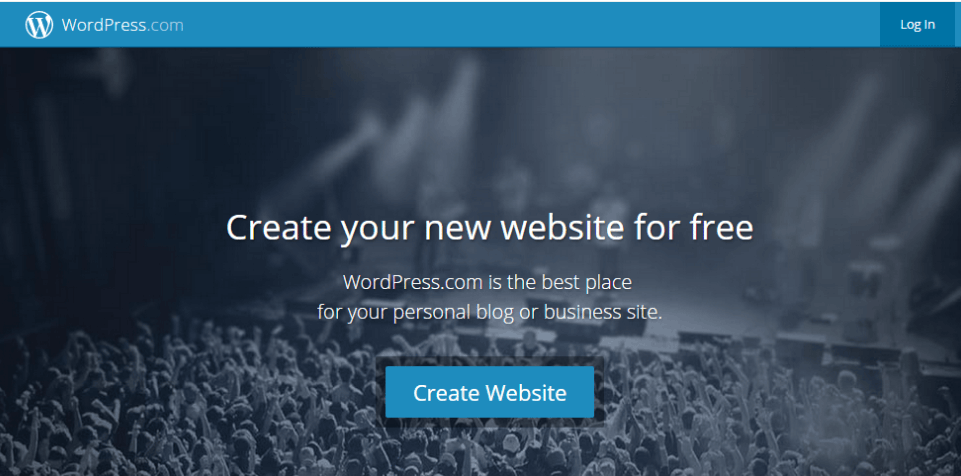
So the question is, if the limitations are there, then why would I have to use this free platform?? The answer is, upgrade your site and VOILA!! You can achieve your specific needs by upgrading your site, and it will get looked after with top-of-the-line spam-fighting power and automatic security updates.
To use it, all you have to do is download it and place it in the public folder of your host, Signup and choose your blog name, then just design your site as you require.
Don’t worry about the installation, as it will be managed right on the spot.
Using WordPress means your website is in your hands completely. The only limitation here might be the resources that your hosting package provides you. WordPress.org is the platform where you can grab your own CMS copy for free; isn’t it good?
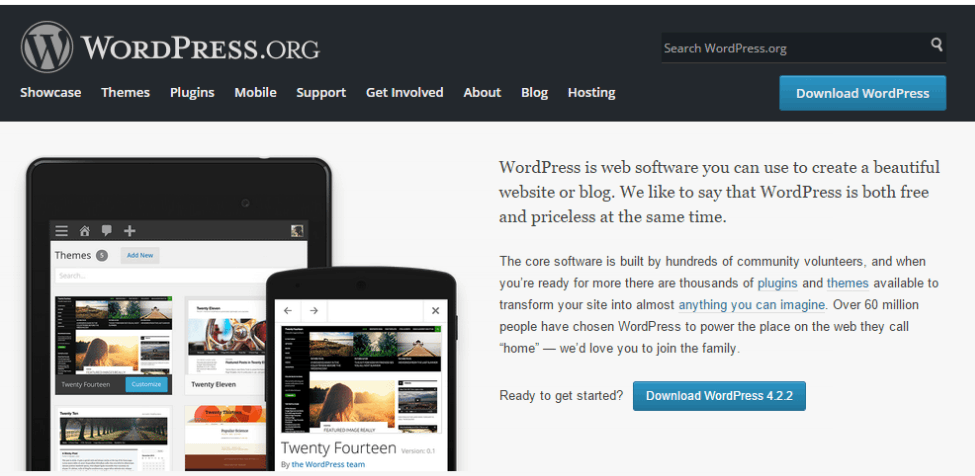
This software owns the responsibility of finding the hosting company to house the WordPress site with your own domain name that will help your visitors to point to it.
It provides you the facility to get involved in the community forum where you can ask any (relevant) question if you get stuck anywhere, and also you can use the extensive documentation as well. If you like to get involved and join many other volunteers who contribute to the WordPress core code, mobile apps, and translations, then this site is good for you to use.
To give you the best remedy against your problem, which one’s right for you? Let us compare these two platforms by considering three things: cost, freedoms and limitations, and maintenance and development.
At this time, when we are going to compare the cost of WordPress.com and WordPress.org, we have to look at four aspects associated with both of them. They include: domain name, hosting, storage medium, and ad removal.

If you want a fully featured website with your own domain name, then go with WordPress.org, but if you can compromise on the domain name and want a free platform, then go for WordPress.com.
If cost is the most considerable part of your business plan, then downloading WordPress from WordPress.org is the best option for you. Let’s get into more depth to better understand your choices.
No matter what, the hosting of your site on WordPress.com is free, but there are some limitations. But there is also some good news: they can be removed with upgrades or plans that can be applied to each of your sites.
I have mentioned all the upgrades that you can choose from to have more control over your site on WordPress.com:
*Note that all of them but the last two are annual subscriptions:
After getting to know all the upgrades, it’s important for you to know that for a newly registered domain you are working on, you also need the mapping upgrade. After setting up your website, if you think that you need several upgrades, then you might be able to save some money if you upgrade to one of the WordPress.com plans instead.

The above displayed picture is the current hosting plans at WordPress.com. You can select any of the upgrade packages according to your needs. But still, if you want a site with full-fledged features and with your own domain name, unlimited storage for the videos and the images, with no advertising, then WordPress.com can be quite expensive for you to use.
If you are working with this platform, you can download a free copy of the software. But keep in mind that hosting your own WordPress site is not free, so what to do now?
You can easily choose any hosting company. There are thousands of out there who can provide you what you want. All you have to do is check out which plan suits your needs best.
You can pay for the hosting as low as around $5 per month if you are using shared hosting packages, depends on your company as many of them offer regular promos.
But if you want hosting that is shared by much fewer people, you can go for VPS (Virtual Private Server) and dedicated server packages; obviously, you have to pay more if you choose this option.
And yes, about domain names, if you want to use a generic top-level domain name such as .com, .org, or .net, then the cost will be around $10. There are some more gTLDs, such as .rocks, .company, .ceo, and many more, which have been available since last year and start from $10 to over $100.
As a result of choosing WordPress.org, you will have full control over your site; it doesn’t matter which hosting company you choose.
The site you are building truly depends on the choice you make while choosing hosting for your site. The freedom and wiggle room, from a custom design to tweaking your site’s files or database, all depend on your goals and your choices.
If you are hosting your site with WordPress.com, then there would be limitations too for the folks who are running their businesses on WordPress.com. WordPress.com provides a ready-to-use environment with software maintenance so that you can experience things within a secure environment, but in return, you have to pay if you are doing any upgrades.
The limitations that are included are:
The only limitation using WordPress.org is the amount of storage you have and the hosting features provided by the hosting company; you have your own server, which means you have the freedom to do whatever you want.
About the themes and plugins, you can use any of them, free or paid, and without ads, and if you wish to add your own, just use Google Adsense.
You can use this platform without any limitations, but it depends on your sense of responsibility for maintaining it, unlike WordPress.com.
If you choose WordPress.com, then you don’t have to worry about the maintenance, but if you are using WordPress.org, it is truly your responsibility; for that, there are many hosting solutions available to help you out.
When it comes to development, no matter what you use, you don’t have to worry about anything (Thank God!).
The WordPress team works hard to provide regular updates on the WordPress core code in order to make sure that your site has a solid foundation.
Don’t know anything technical or don’t have time to commit to ongoing maintenance and development?? Then WordPress.com is the best option for you. More explanations are mentioned below.
The WordPress team and community will take care of all the maintenance and development work for you, in short you don’t have to do anything regarding maintenance and development whenever you upgrade or due to problem with your host your site suddenly going down.
You don’t have to keep yourself up-to-date with the WordPress news. And you don’t have to upgrade your site every time a new version of software is released.
If you are hosting your own WordPress site, that doesn’t mean that you will not face difficulties; in fact, you are fully responsible for your own site performance and development.
The responsibilities on you are:
If you love WordPress.org because of the flexibility this platform provides but you feel confused about how to keep your site maintained, then worry not; WordPress is a platform that provides you with the solution to every problem, including this. Use a WordPress hosting solution that includes Pagely or WP Engine.
Just use this tool, and it will look after all the backend maintenance for you, but you have to pay more in order to sit back and watch the show (Maintenance).
At this point, you may have made your decision… Still no?
Let me tell you both are great options for you to choose, but select the one by keeping in mind your plans about your site, what skill level you have, and lastly how much time you can give to your site maintenance and designing.
If you are creating a simple blog website, and you don’t want to fuss with the security and the regular maintenance, and the customization is not too much, then I would suggest going for WordPress.com.
But if you are on the other side of the picture, and want full control over the site, the design, the plugins that you are using, the files of the software and database with freedom to do so, and if there is no issue of security and maintenance of your site, then WordPress.org will be your best bet.
Also, if you are planning to develop an ecommerce site, social media, or a large business site, a self-hosted WordPress site can be cheaper for you and offers more flexibility.
If you are planning to grow your site and increase traffic, then downloading WordPress.org from WordPress is the best option and also our recommendation for you.
Choosing between WordPress.com and WordPress.org doesn’t have to be complicated. If you’re just starting out and want a hassle-free experience, WordPress.com does the job. But if you’re serious about growing your website and want the freedom to customize it your way, WordPress.org is worth every bit of the extra effort. Know your goals, weigh your options, and go with the one that fits your needs best.
WordPress is powerful, but the right team makes all the difference. Arpatech builds websites that truly deliver. Let’s get to work.

Before we begin, please solve this quick math check to confirm you're human, and you'll be all set to start chatting with our AI assistant.
Stay connected with us to receive the latest information, updates, and insights from our world of innovation.
By entering your email address you will receive promotional updates.


© 2026 ARPATECH (ADVANCED RESEARCH PROJECTS & TECHNOLOGY)